Projektbild: NobodyBuilder
Mod

NobodyBuilder

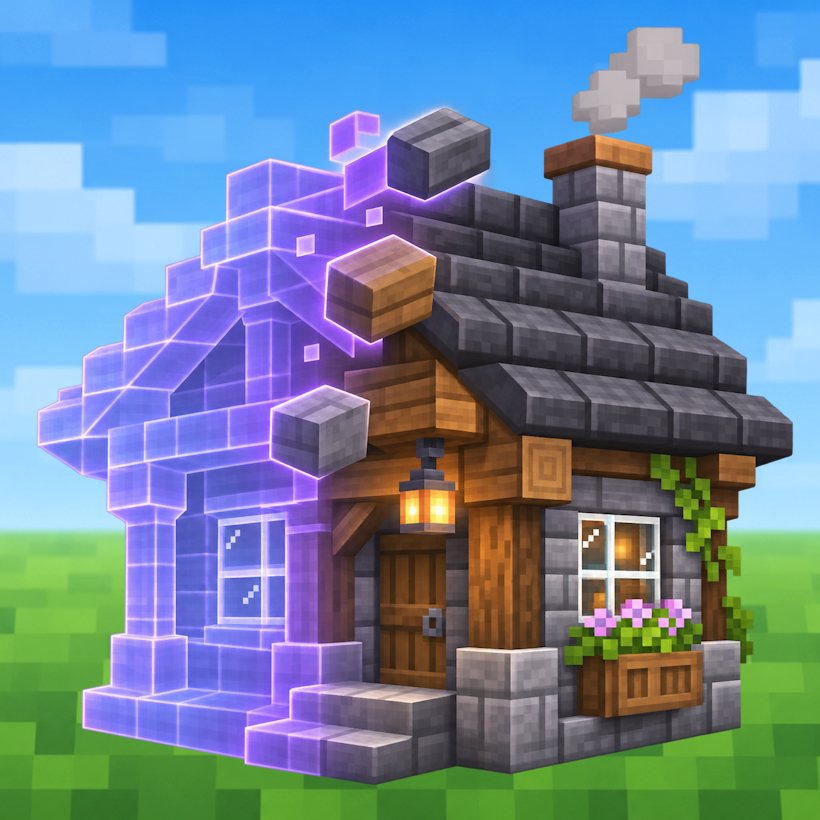
Preview blueprints as holograms, plan your structures, and build them block by block – easily and precisely with NobodyBuilder.

Published

DIREKT AUF DIESER SEITE

Version herunterladen

1 Datei↓ 8 downloads
Neueste Version Version 1.0.0

26.3 · Fabric

149,5 KB · 2026-11-20 · 7 downloads
Download file

About this project

🏗️ NobodyBuilder – Your Blueprint. Your Project. Your Masterpiece.

Found an amazing building, planning a medieval village, or looking to bring your next big Minecraft creation to life?

With NobodyBuilder, building becomes easier, more organized, and more enjoyable!

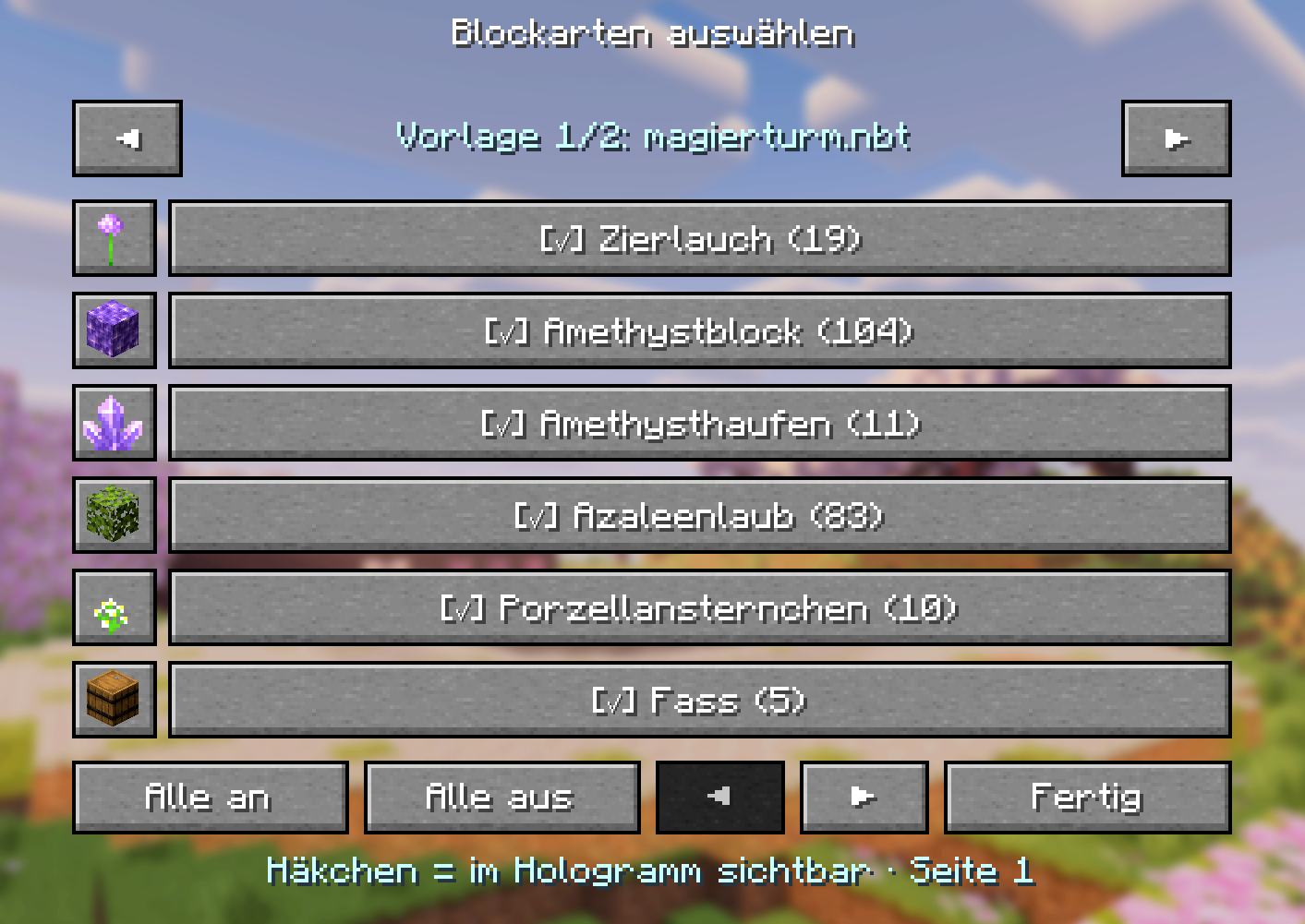
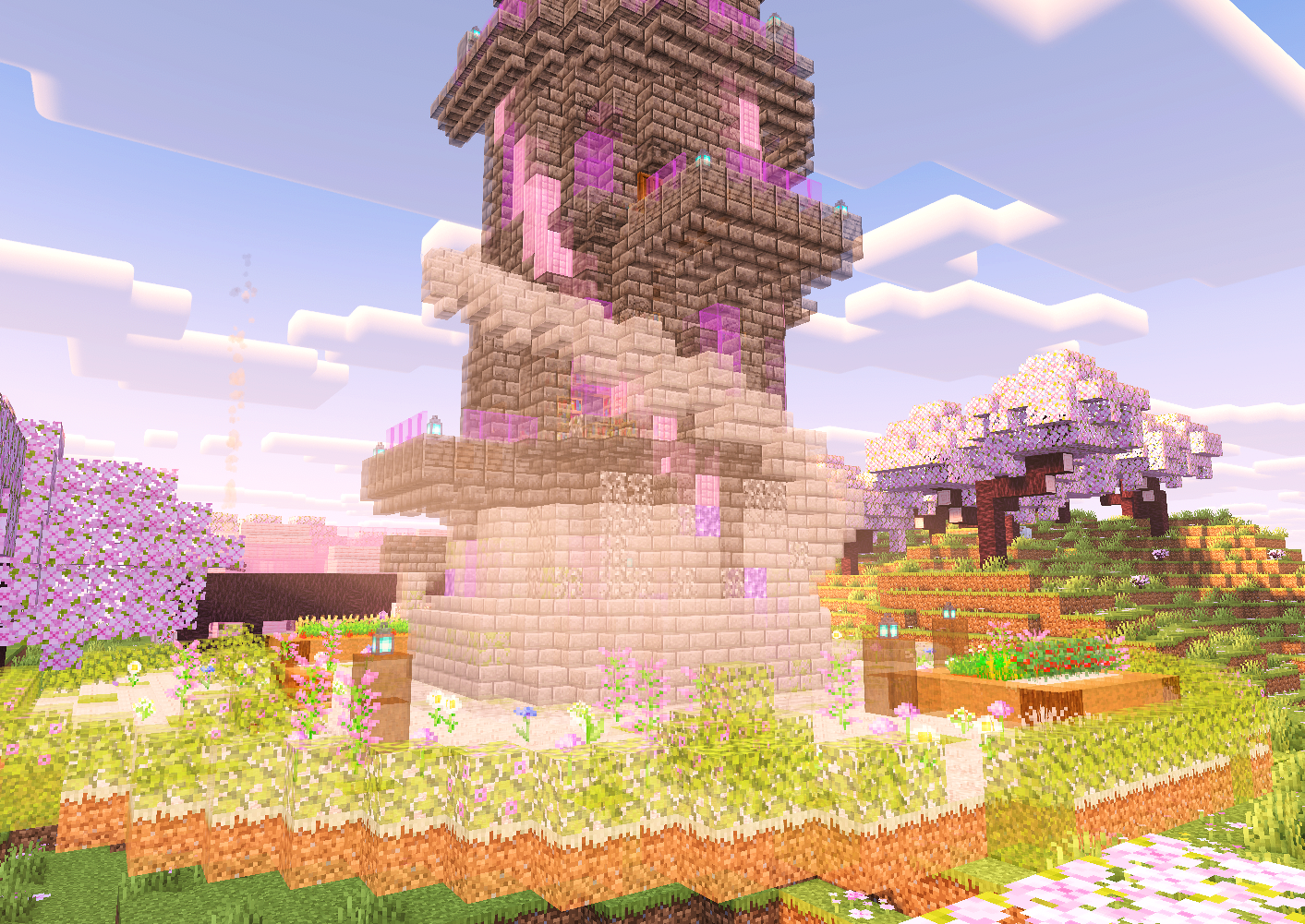
Load your blueprint and preview the structure directly in your Minecraft world as a transparent hologram. Choose where your building belongs, control which blocks are visible, and bring your project to life step by step.

Whether it's a cozy cottage, a massive castle, or an entire village – you stay in control of your creations.

❤️ Why NobodyBuilder?

Because creating amazing Minecraft builds should be fun, not frustrating.

Less searching. Easier planning. More building.

NobodyBuilder focuses on practical building tools, an easy-to-use interface, and optional placement assistance.

✨ Features
  • 🏠 Hologram Building Preview – Display structures as transparent holograms directly inside your Minecraft world.
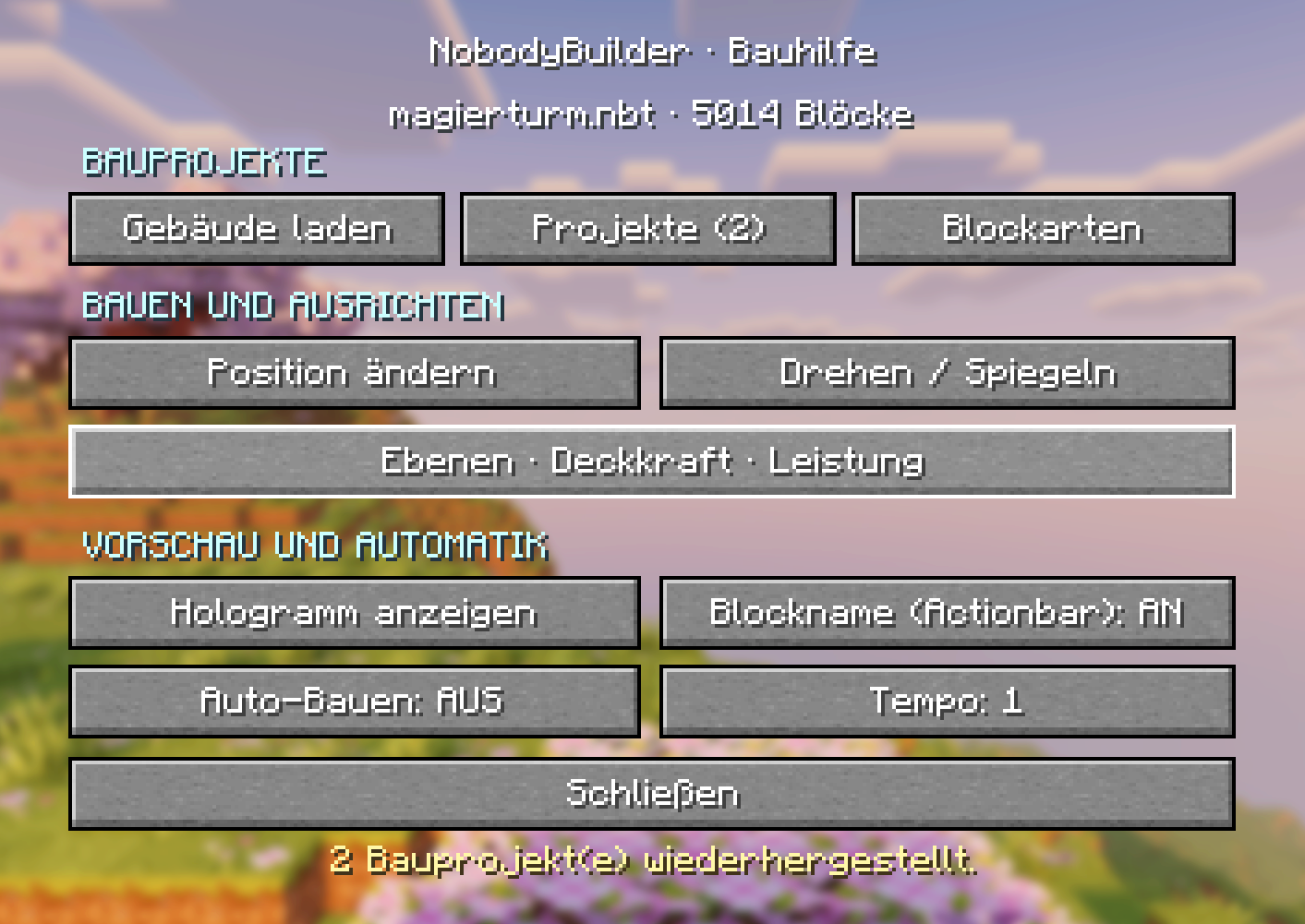
  • 📐 Precise Positioning – Move structures using coordinates, rotate them, or mirror them.
  • 🏘️ Multiple Building Projects – Manage up to 16 structures per world/server and dimension identifier.
  • 🧱 Individual Block Filters – Show or hide specific block types independently for each structure.
  • 🪜 Layer-by-Layer Building – Display individual building layers and work your way up step by step.
  • ⚒️ Optional Auto Placement – Helps place matching blocks using normal Minecraft interactions.
  • ⚡ Three Building Speeds – Choose between Standard, Fast, and Very Fast.
  • 🔒 Project Locking – Protect individual structures from accidental movement or rotation.
  • 👁️ Customizable Preview – Adjust visibility, opacity, and preview quality.
  • 💾 Saved Building Projects – Keep positions and project settings for your individual worlds.
  • 🌍 Singleplayer & Multiplayer – Run NobodyBuilder on your Minecraft client without requiring a server plugin.
  • 🌐 English & German – The interface follows your selected Minecraft language automatically.
📦 Supported Blueprint Formats

NobodyBuilder supports three familiar structure formats:

  • 📁 .schem – Sponge Schematic files
  • 📁 .litematic – Litematica blueprints
  • 📁 .nbt – Minecraft structure files
⚡ Auto Placement – Build at Your Own Pace!

Optional auto placement helps you place matching blocks through Minecraft's normal placement mechanics.

Choose from three speed levels:

  • 🟢 Level 1 – Standard: 8 ticks between placement attempts
  • 🟡 Level 2 – Fast: 6 ticks between placement attempts
  • 🔴 Level 3 – Very Fast: 4 ticks between placement attempts

Each project remembers its own speed setting.

⚠️ Note: Faster placement attempts may be restricted by some servers. NobodyBuilder does not bypass building permissions, interaction reach, or server rules.

🚀 Getting Started
  1. Install Fabric and NobodyBuilder for the supported Minecraft version.
  2. Launch Minecraft and open NobodyBuilder using X (default key, customizable).
  3. Place your .schem, .litematic, or .nbt files in .minecraft/nobodybuilder/schematics/.
  4. Open the menu and select “Load Structure”.
  5. Position your hologram and start building!

The blueprint folder is created when the Minecraft client starts.

⌨️ Handy Keyboard Shortcuts

Control your building blueprints directly from your keyboard – no need to constantly open the menu!

  • 🎮 X – Open the NobodyBuilder menu
  • 👁️ Ü – Toggle hologram visibility
  • ⬇️ Ö – Move down one building layer
  • ⬆️ Ä – Move up one building layer

💡 Tip: All keyboard shortcuts can be customized in Minecraft's key binding settings.
LICENSE & USAGE

All rights reserved (ARR)

NobodyBuilder

All rights reserved: modification, redistribution and commercial use are not automatically permitted. Only permissions explicitly granted by the rights holder apply. A free download does not imply permission to redistribute.

This is a short summary, not the full legal license. The applicable license and mandatory legal provisions take precedence.

AI-assisted

NobodyBuilder

Contains AI-generated code and text: AI was used to generate parts of the program code and to assist with code optimization, bug fixing, and writing the plugin description.

Installation and use

NobodyBuilder

These community projects are offered free of charge. Installation and use are at your own discretion and responsibility. Despite care, errors and compatibility issues may occur; error-free operation is not guaranteed. Back up your worlds and server data before installing or updating. Mandatory legal rights and liability rules remain unaffected.

← All projects