Neueste Version Version 1.0.0
Download file
26.3, 26.2, 26.1.2 · Paper
80,9 KB · 2026-11-09 · 7 downloads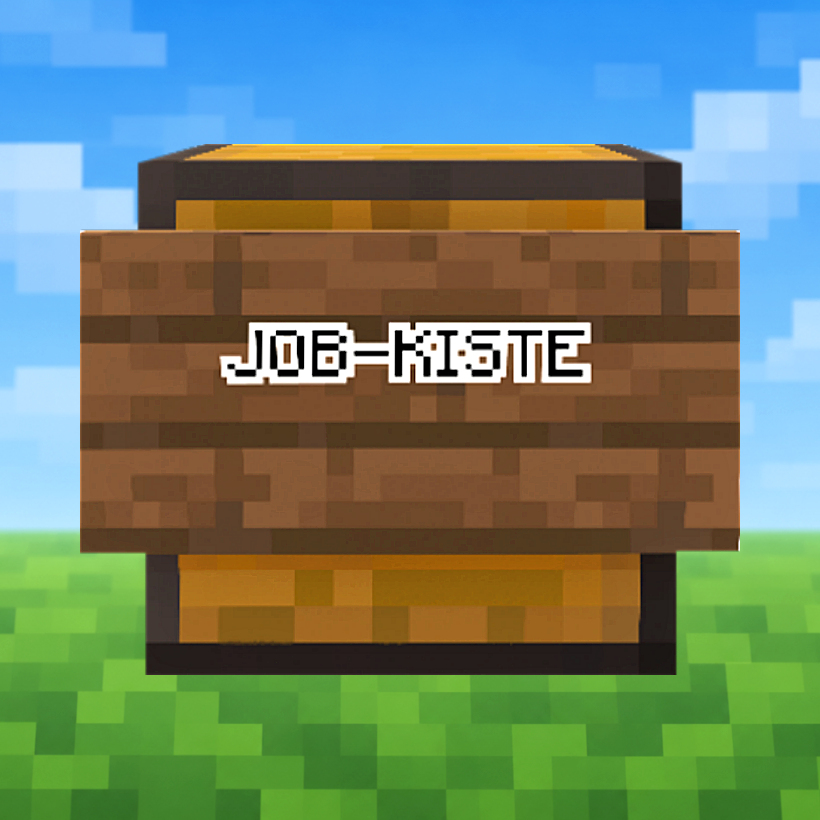
A lightweight Paper plugin for simple, fully customizable server jobs with progress tracking, holograms, and rewards.
DIREKT AUF DIESER SEITE
26.3, 26.2, 26.1.2 · Paper
80,9 KB · 2026-11-09 · 7 downloadsNo file matches this selection.
NobodyJobs is a lightweight and fully customizable job plugin for Minecraft Paper, offering players a variety of tasks with rewarding payouts.
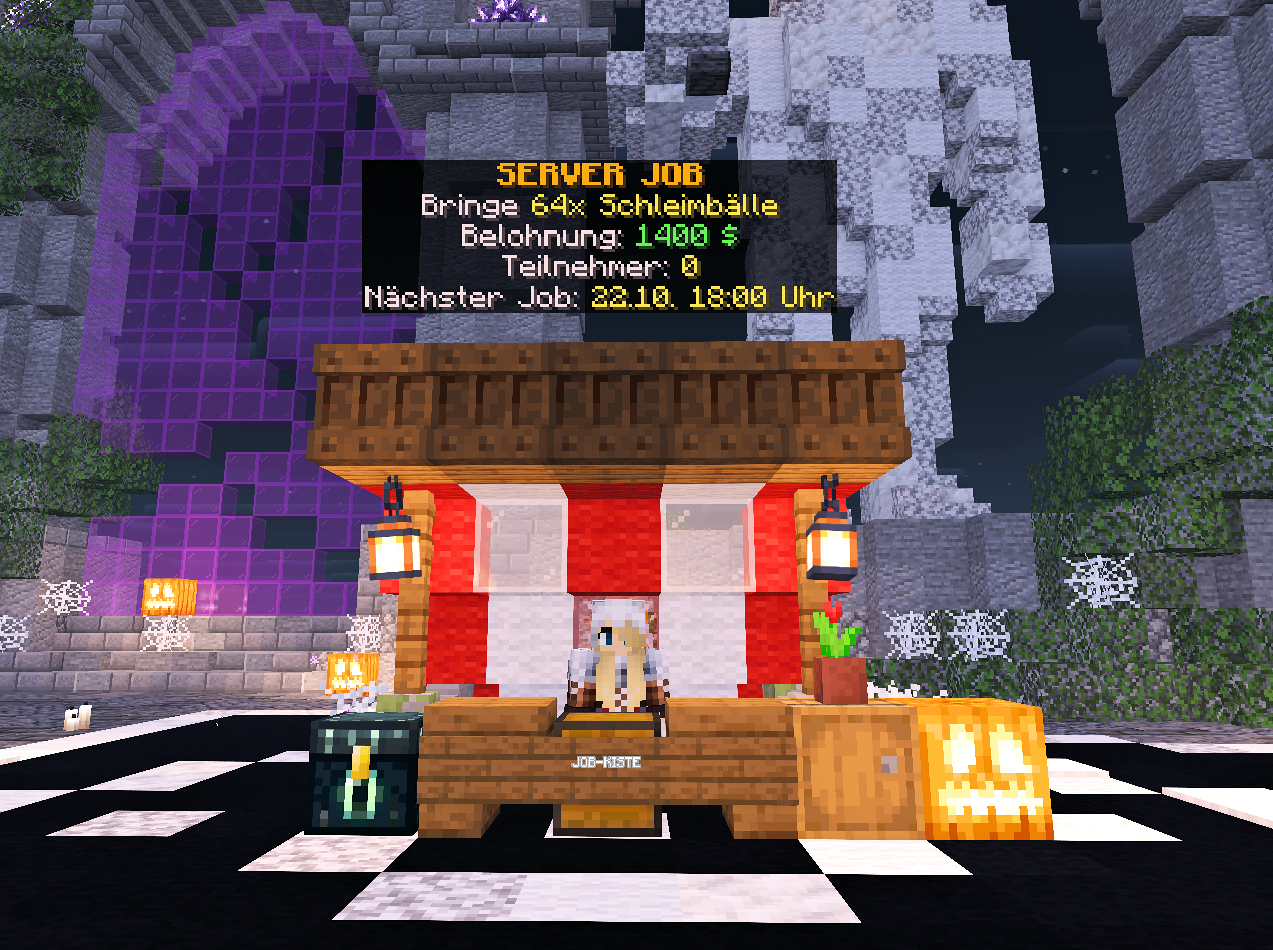
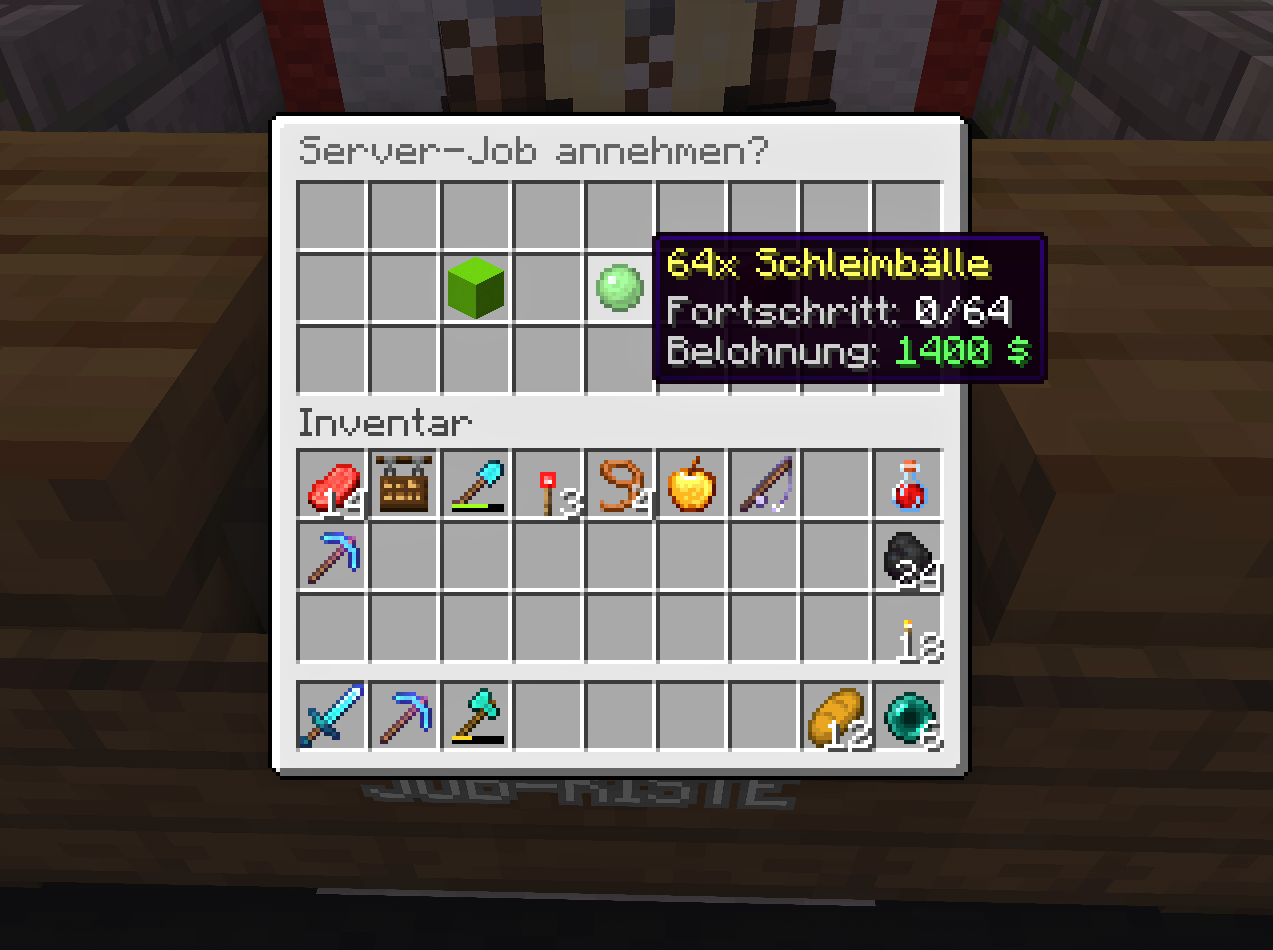
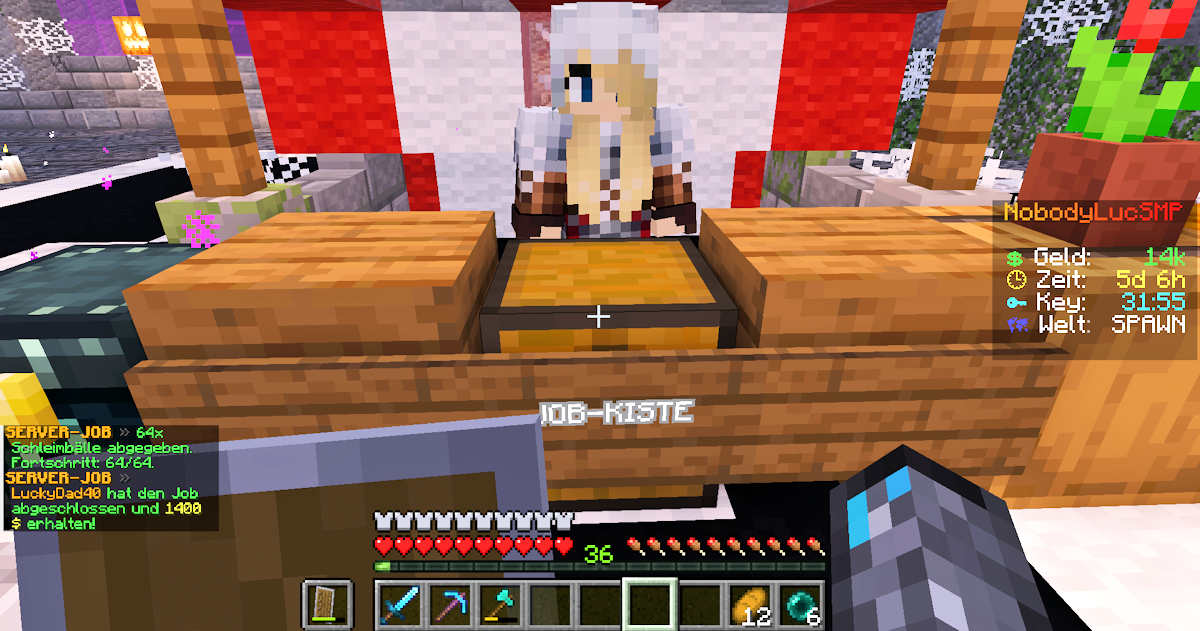
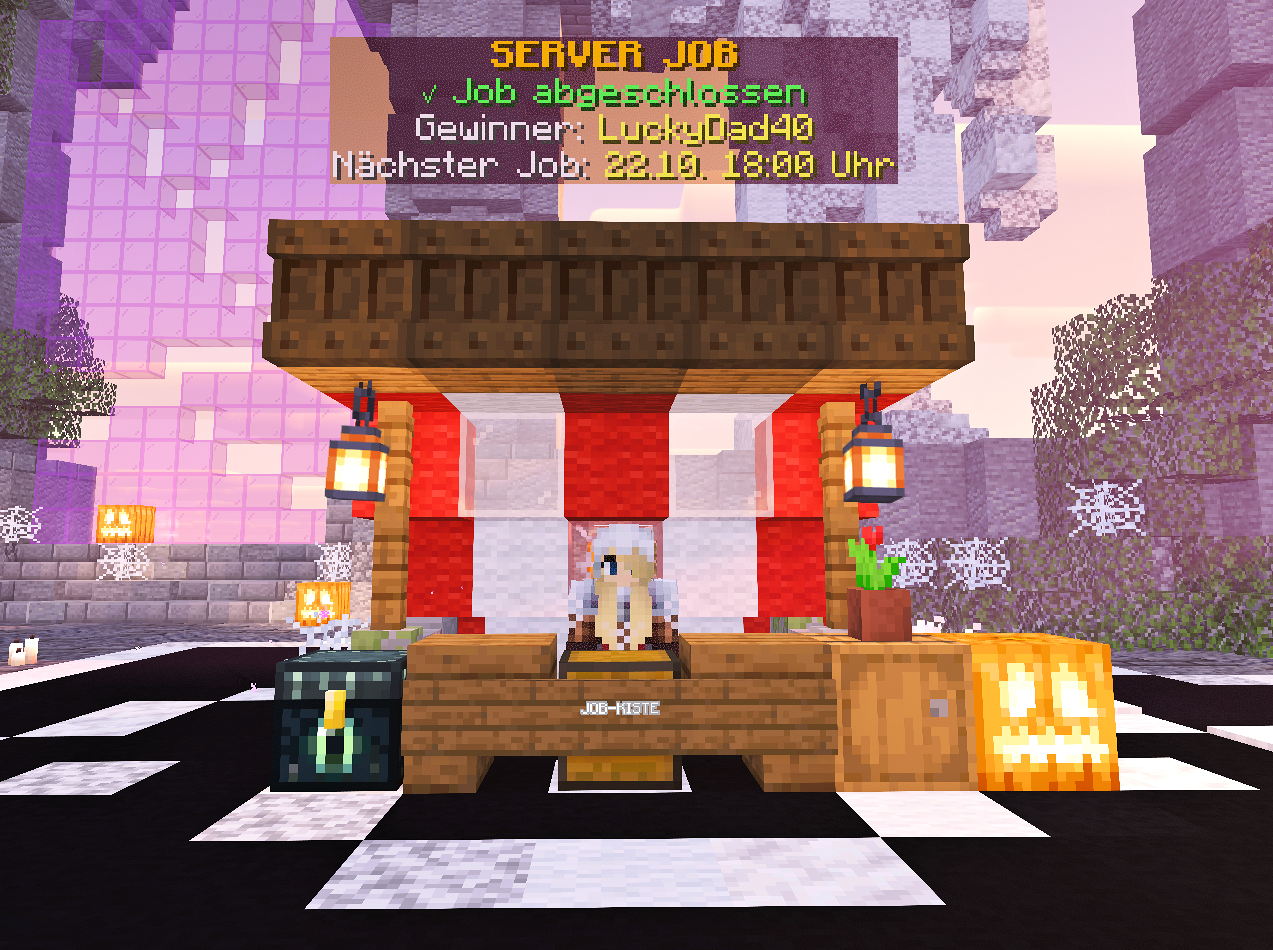
Using a dedicated Job Chest, players can accept jobs, submit the required items directly from their inventories, and earn configurable monetary rewards upon successful completion.
NobodyJobs focuses on what really matters: simple tasks, clear progress tracking, and fair rewards – without unnecessarily complicated systems.
jobs.yml💼 /job
Displays your current job.
📊 /job status
Shows the current status of your job.
❓ /job help
Displays all available commands.
/job chest set – Sets the selected chest as the Job Chest/job chest info – Displays the Job Chest location/job chest remove – Removes the assigned Job Chest/job hologram move – Moves the hologram/job hologram info – Displays the current hologram position/job hologram reset – Resets the hologram position/job next – Starts the next job/job reload – Reloads the plugin configurationThe Job Chest is the central hub for your players. Here, they can accept jobs and submit the required items.
✅ Supported
❌ Not Supported
1. Install the Plugin
Copy the NobodyJobs-1.0.0.jar file into the plugins folder of your Paper server.
2. Start Your Server
Start your Minecraft server to generate the plugin configuration files.
3. Configure Jobs
Define your desired jobs in the jobs.yml file.
4. Adjust General Settings
Configure the basic plugin settings in the config.yml file.
5. Set Up the Job Chest
Place a regular Minecraft chest, look directly at it, and use:
/job chest set
6. Position the Hologram
Adjust the hologram position using the following command:
/job hologram move
7. Test Your First Job
Start a test job using:
/job next
✅ You're All Set!
Your players can now right-click the Job Chest, accept a job, and submit the required items.
Easily customize NobodyJobs to suit your Minecraft server.
📋 jobs.yml
Configure available jobs and their requirements.
🔧 config.yml
Contains the general plugin settings.