Neueste Version Version 1.1.5
Download file
26.3, 26.2, 26.1.2, 26.1.1, 26.1, 1.21.11, 1.21.10, 1.21.9, 1.21.8, 1.21.7, 1.21.6, 1.21.5 · Paper
86,4 KB · 2026-11-09 · 6 downloads
A simple news and announcement plugin that allows server owners and administrators to share important information, news, and updates directly with their players.
DIREKT AUF DIESER SEITE
26.3, 26.2, 26.1.2, 26.1.1, 26.1, 1.21.11, 1.21.10, 1.21.9, 1.21.8, 1.21.7, 1.21.6, 1.21.5 · Paper
86,4 KB · 2026-11-09 · 6 downloadsNo file matches this selection.
Inform your players. Share the latest news. Keep your community up to date.
NobodyNews is a simple and well-organized news and announcement system for Minecraft servers, allowing server owners and administrators to publish important information directly in the game.
Whether it's server updates, upcoming events, scheduled maintenance, rule changes, or important announcements, NobodyNews helps you reach your players directly in Minecraft.
/news/newsadmin📰 /news
Opens the current server announcements.
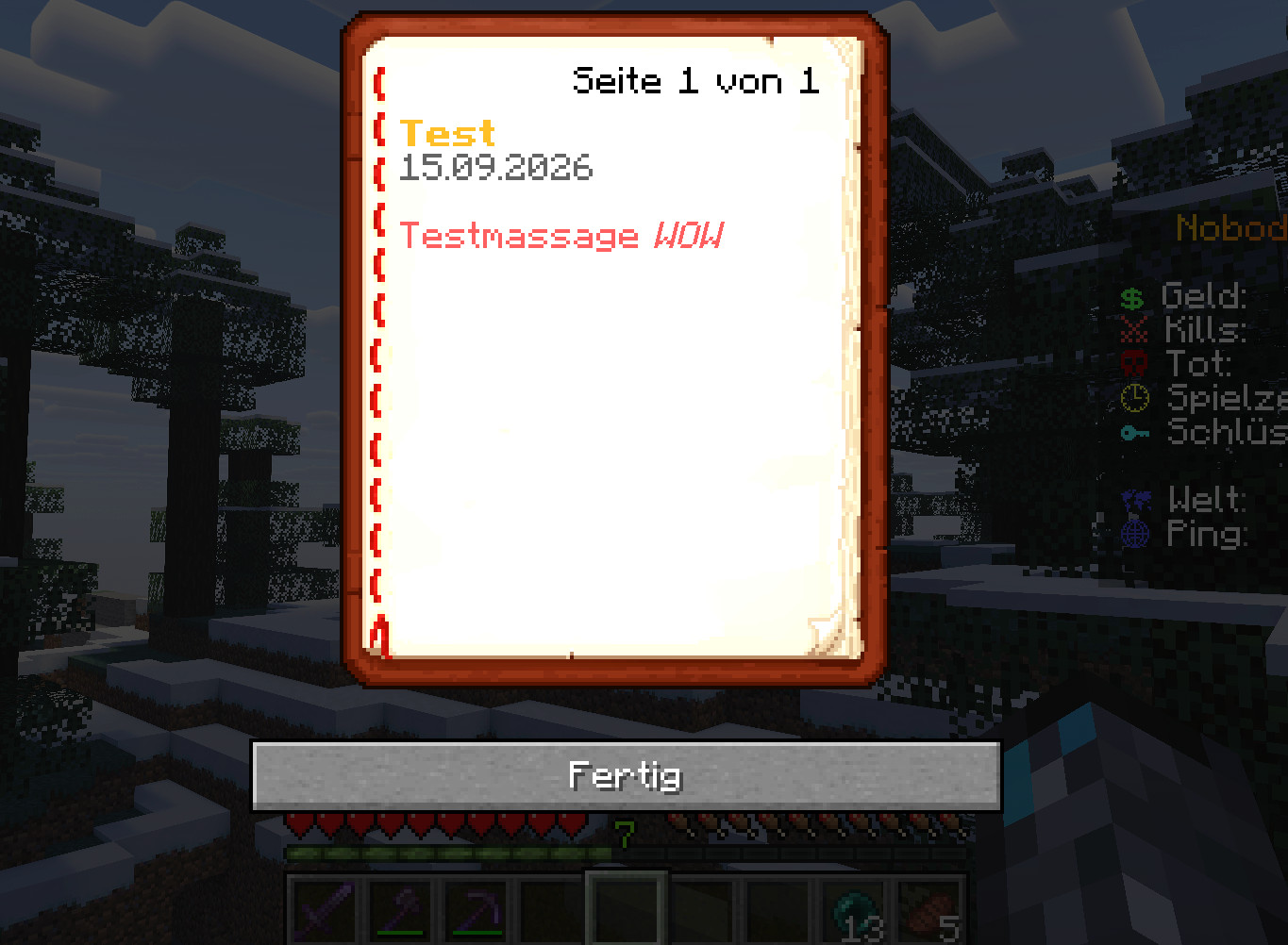
Unread announcements are marked as new. When a player selects an announcement, it opens in a Minecraft book.
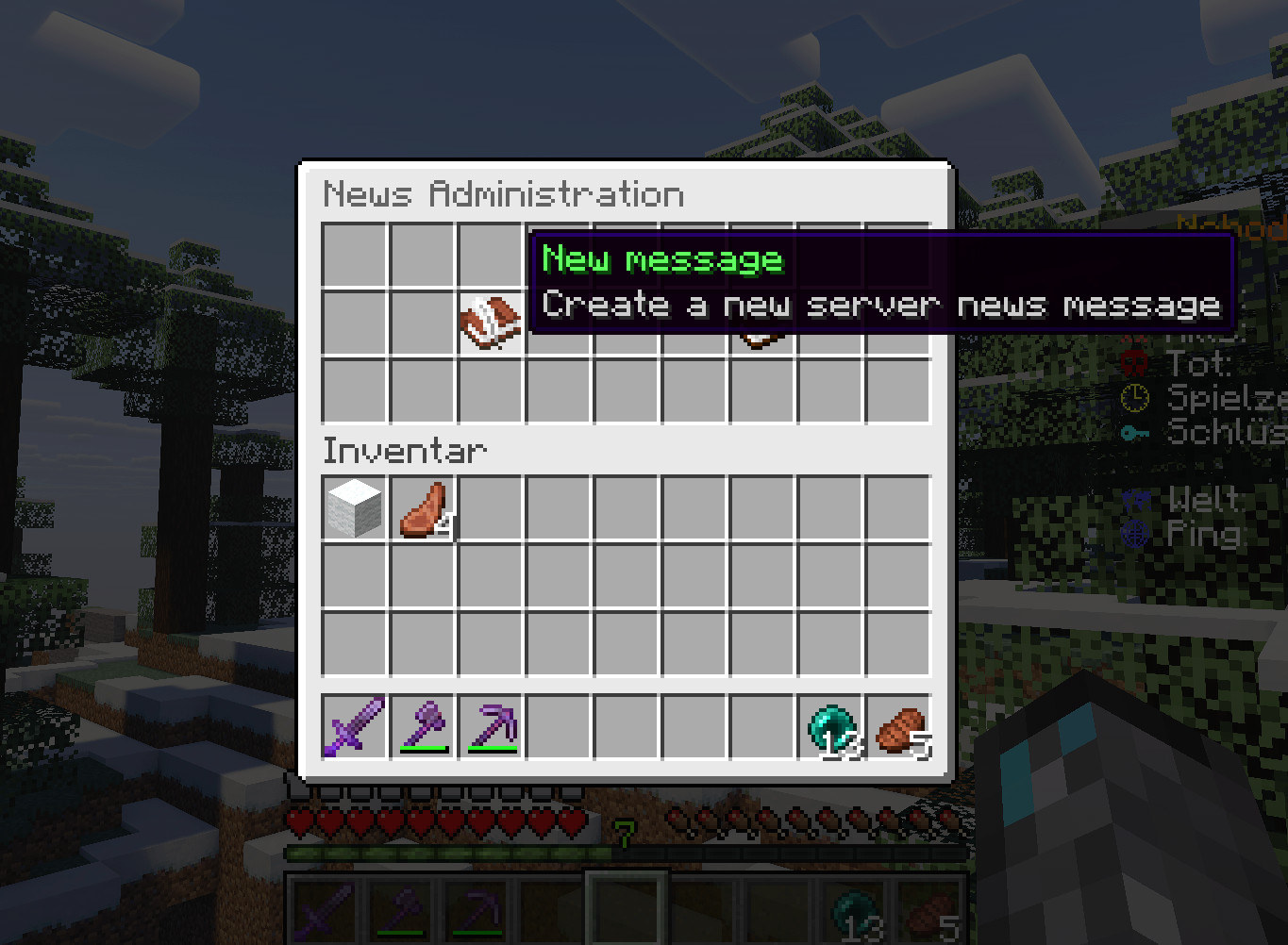
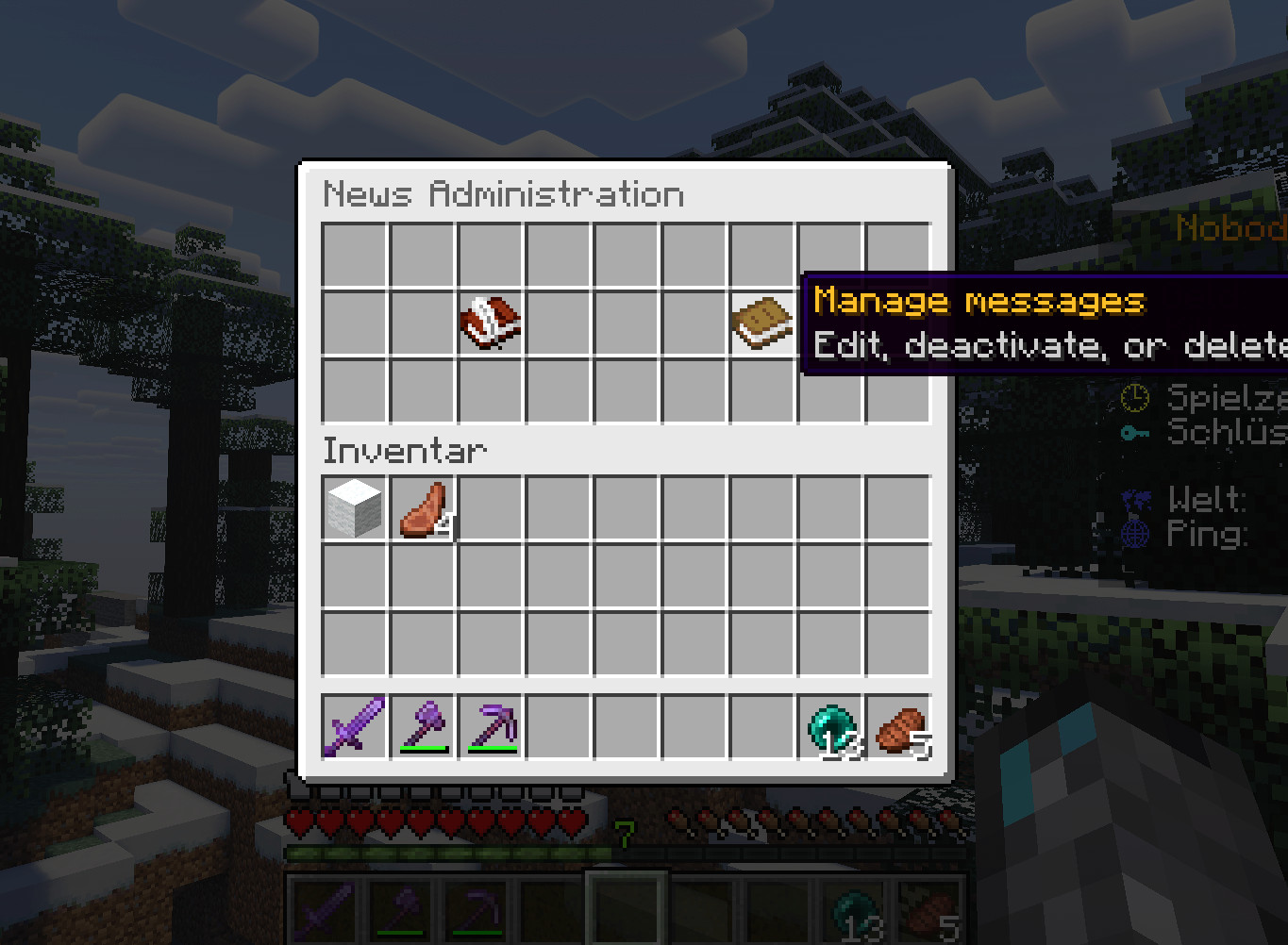
🛡️ /newsadmin
Opens the administration interface for authorized administrators.
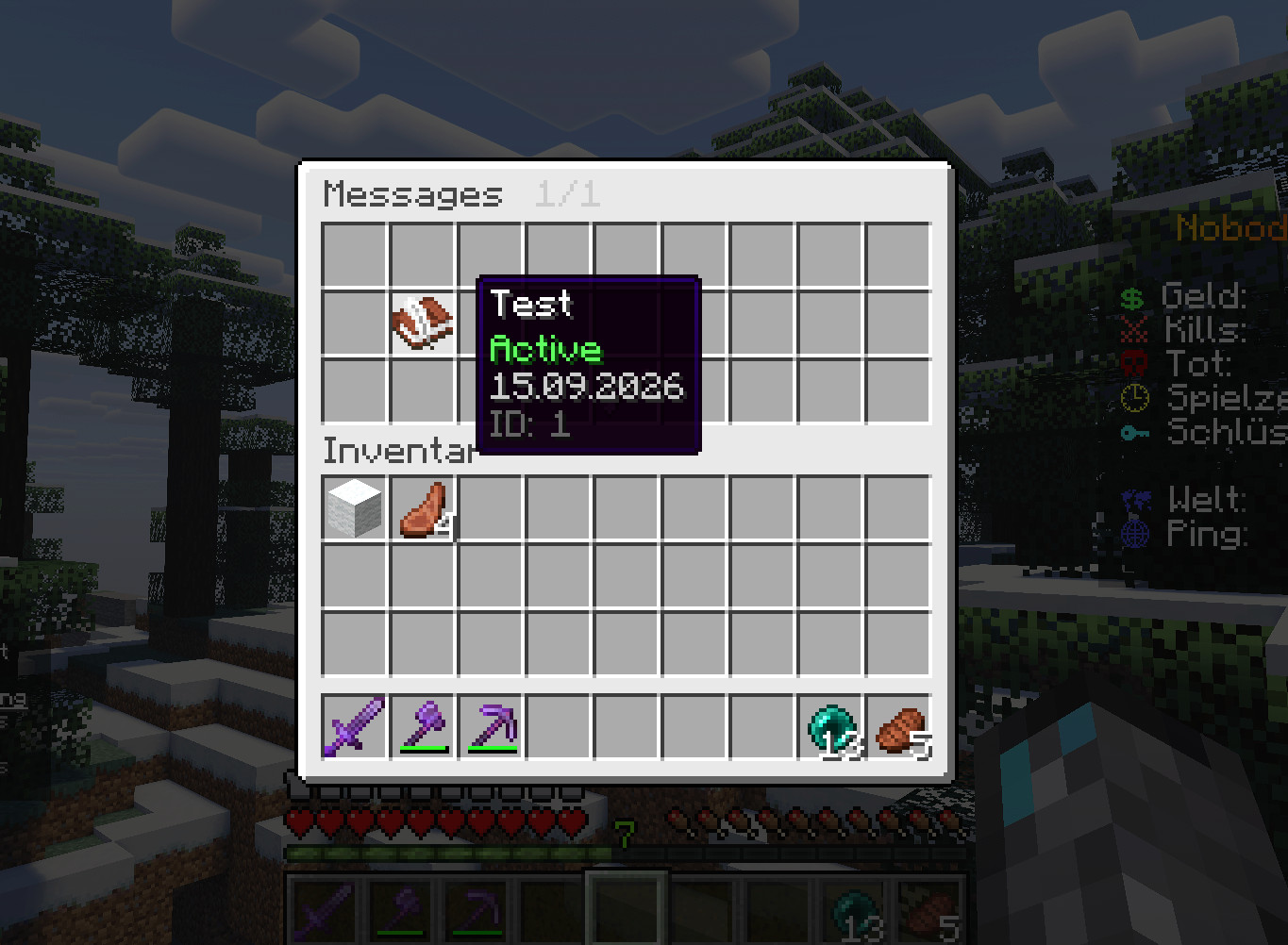
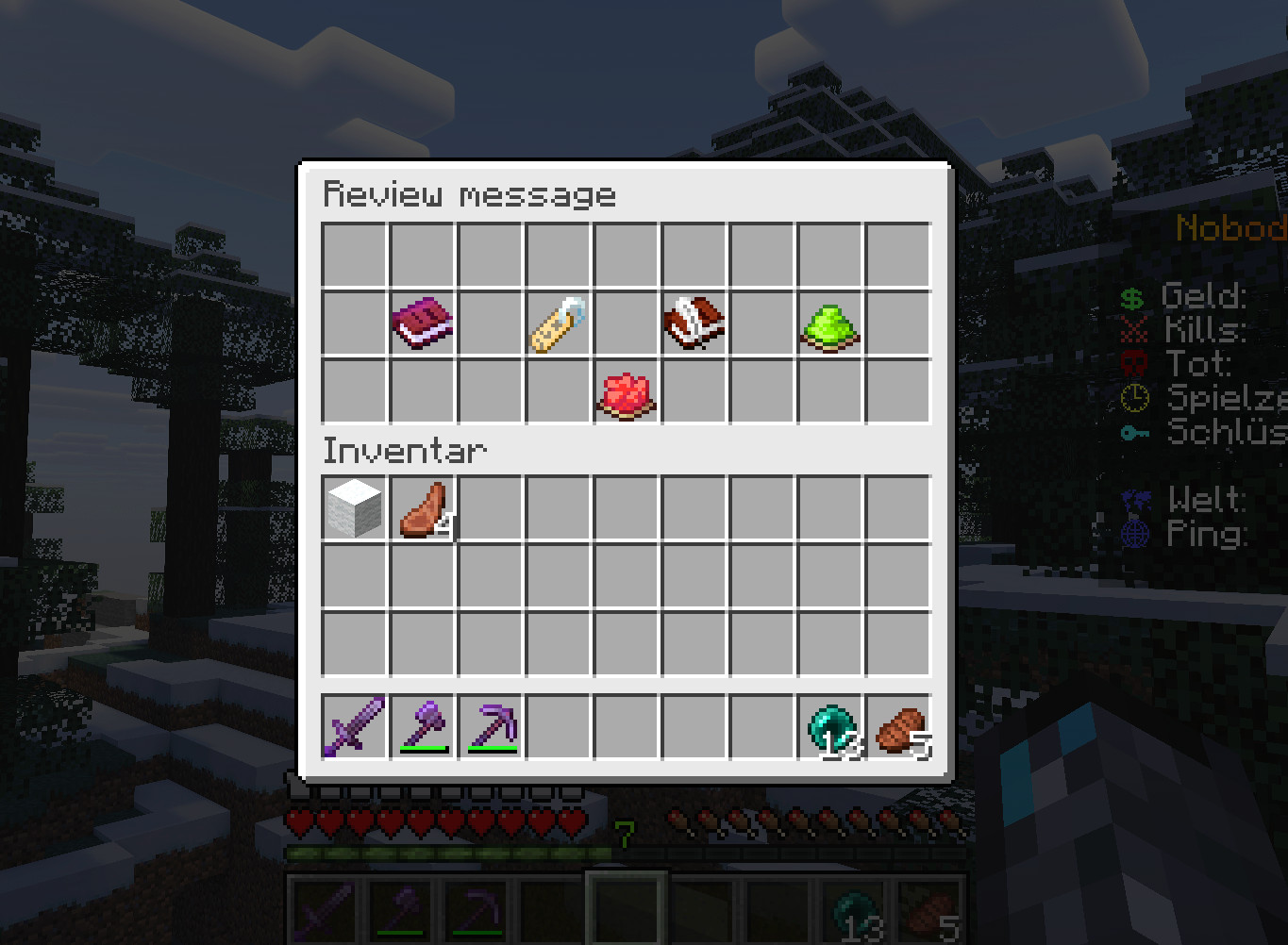
Announcements can be created, edited, enabled, disabled, or deleted directly in the game.
Customize your announcements using familiar Minecraft formatting codes.
| Code | Function |
|---|---|
| &c | 🔴 Red |
| &a | 🟢 Green |
| &e | 🟡 Yellow |
| &l | Bold |
| &o | Italic |
| &n | Underlined |
| &m | Strikethrough |
| &r | Reset formatting |
📝 Example
&c&lImportant News
This text will appear in Minecraft in bold red formatting.
Standard Minecraft color codes from &0 to &f are supported.
Multi-line messages also make it easy to create well-organized, longer announcements.
NobodyNews uses UTC by default. However, the time zone can be customized through the configuration.
🌍 Examples of Supported Time Zones
UTC – Coordinated Universal TimeEurope/Berlin – GermanyAmerica/New_York – New YorkAsia/Tokyo – TokyoThis allows dates and times to be displayed according to your server's location or your community's time zone.
Reading server news has never been easier.
Players can open the latest server announcements using /news.
New announcements are marked as unread. Selecting an announcement opens the corresponding message in a clearly organized Minecraft book.
Each player's read status is saved individually.
Manage all important announcements in one place.
Authorized staff members can manage all announcements directly in the game using /newsadmin.
Keep your community informed without ever having to leave Minecraft.